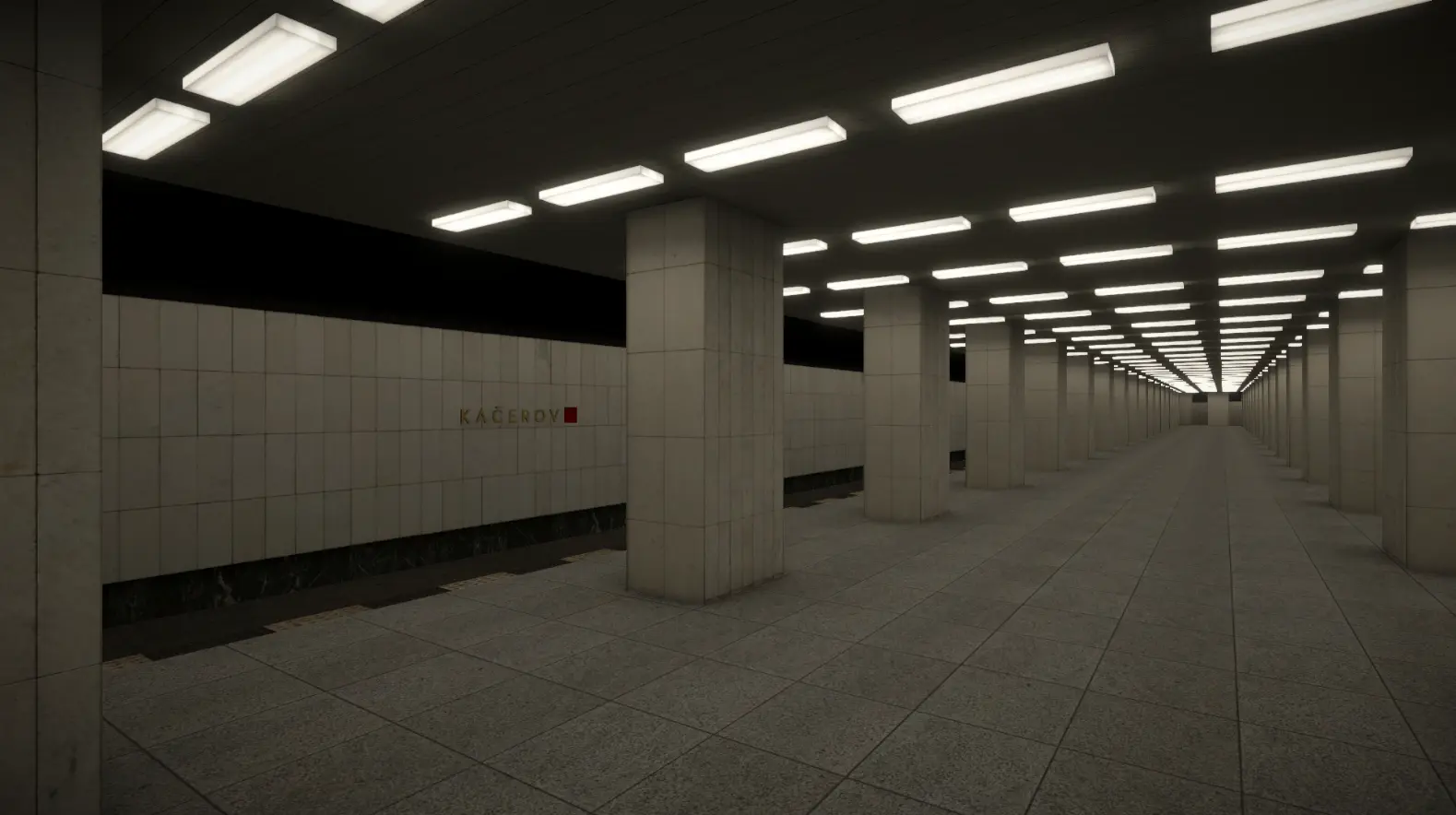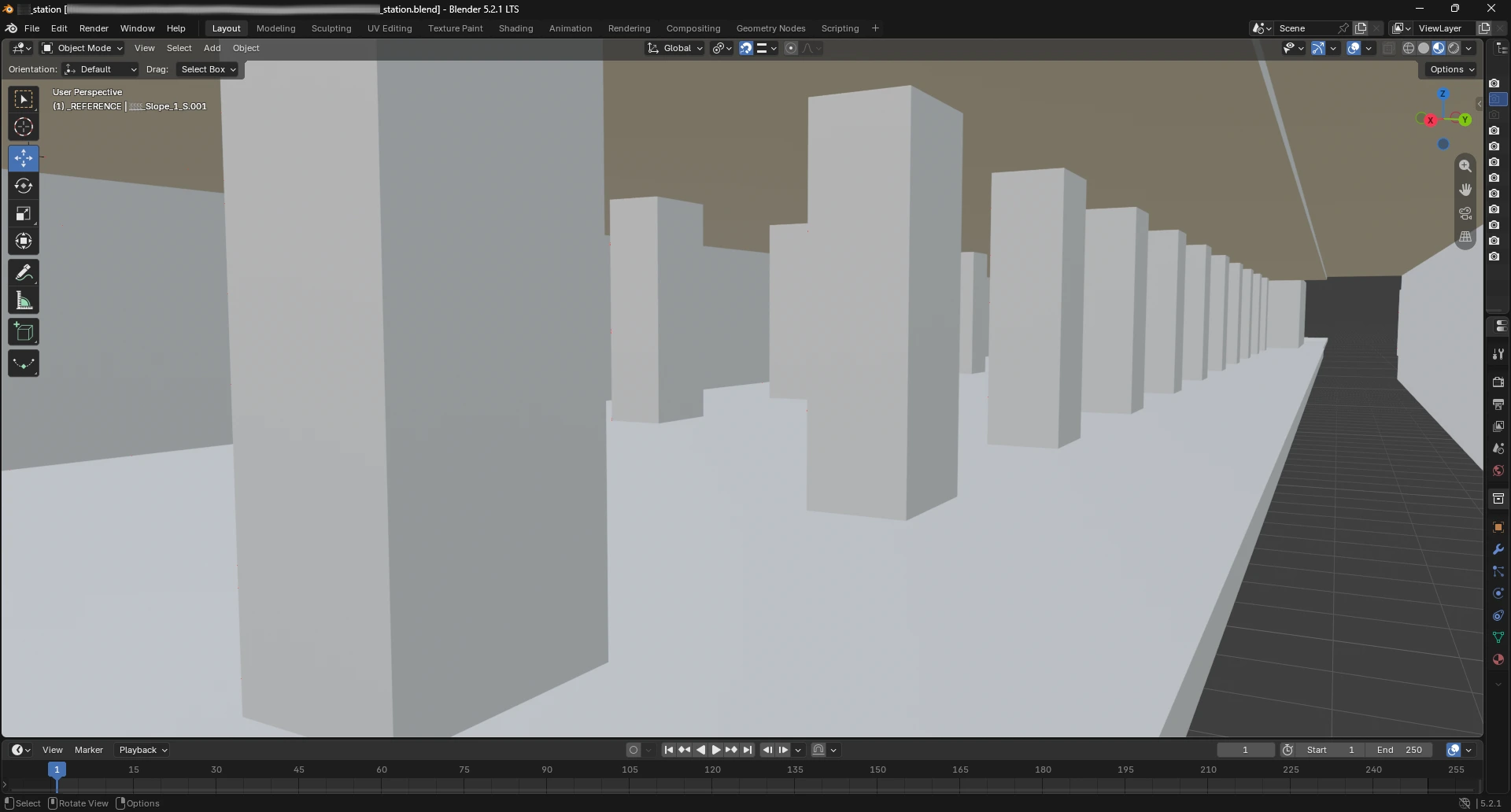



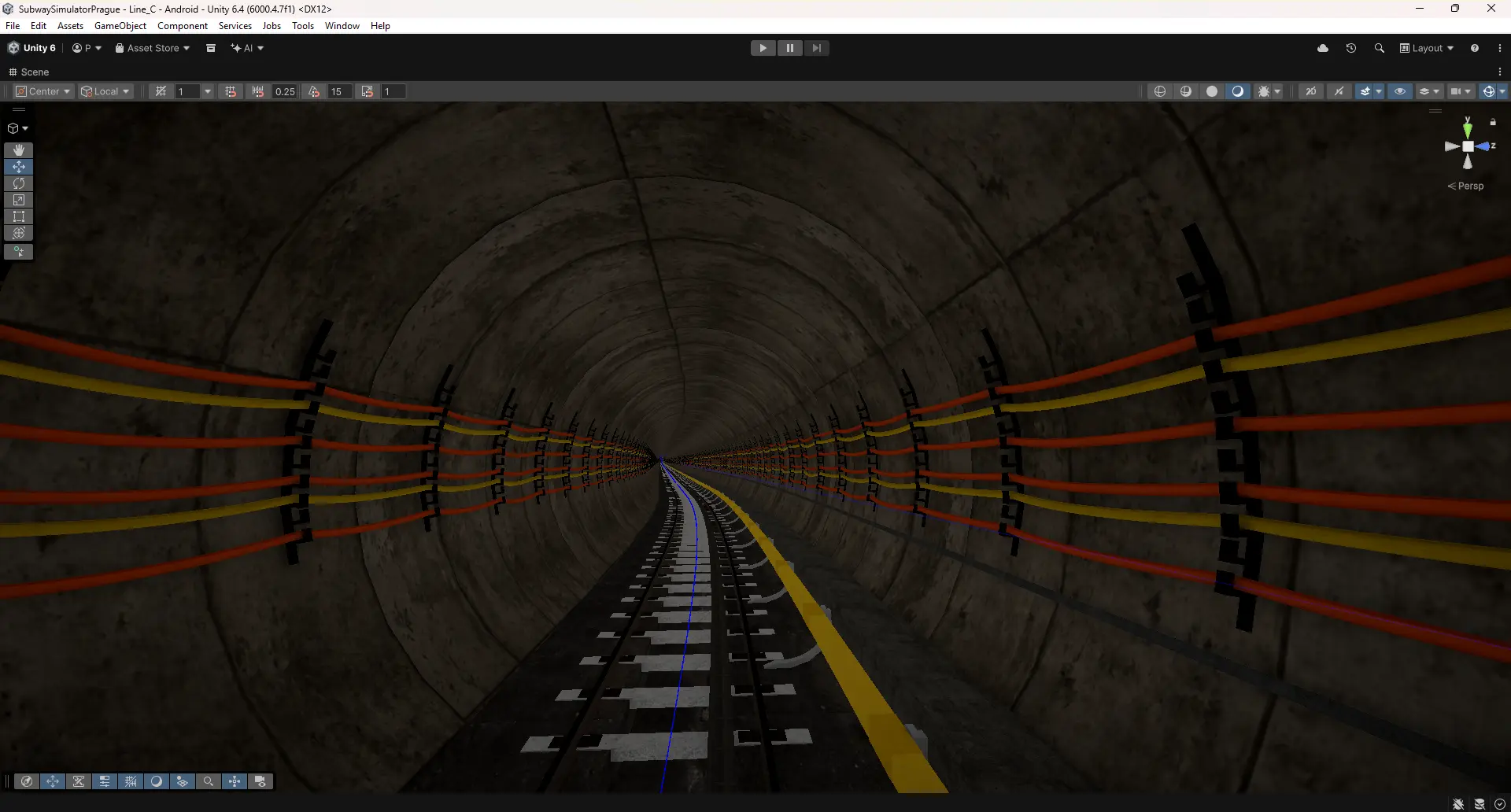
It has been roughly a month since our last development update. There may not be as many finished visual details as you might expect, but we have made substantial progress on how the simulator itself is built. Instead of placing every metre of tunnel by hand, we are developing custom tools that will let us create future sections faster and more consistently, without compromising the character of the real Prague Metro.
This is not a shortcut to a finished game. The first sections take longer precisely because we are creating the workflow and technology that future parts of the route will reuse.

From technical references to a virtual track
An authentic simulator depends on more than what a station looks like. The actual route matters too: distances, curves, climbs and descents. That is why we work from the most accurate technical references available to us.
With AI assistance, we convert route geometry into structured data and import it into our own Unity tools. AI helps us process the source material, but we check the resulting track ourselves and make manual adjustments where needed. Translating a plan into a three-dimensional game world always requires verification and sometimes small corrections.
For example, on our approximately 723-metre Kačerov–Budějovická section we made a total length adjustment of around one metre. That is roughly 1.4 mm per metre of track when averaged over the whole section. This illustrates the scale of that particular adjustment; it is not a claim about the overall accuracy of the model.
We no longer build tunnels metre by metre
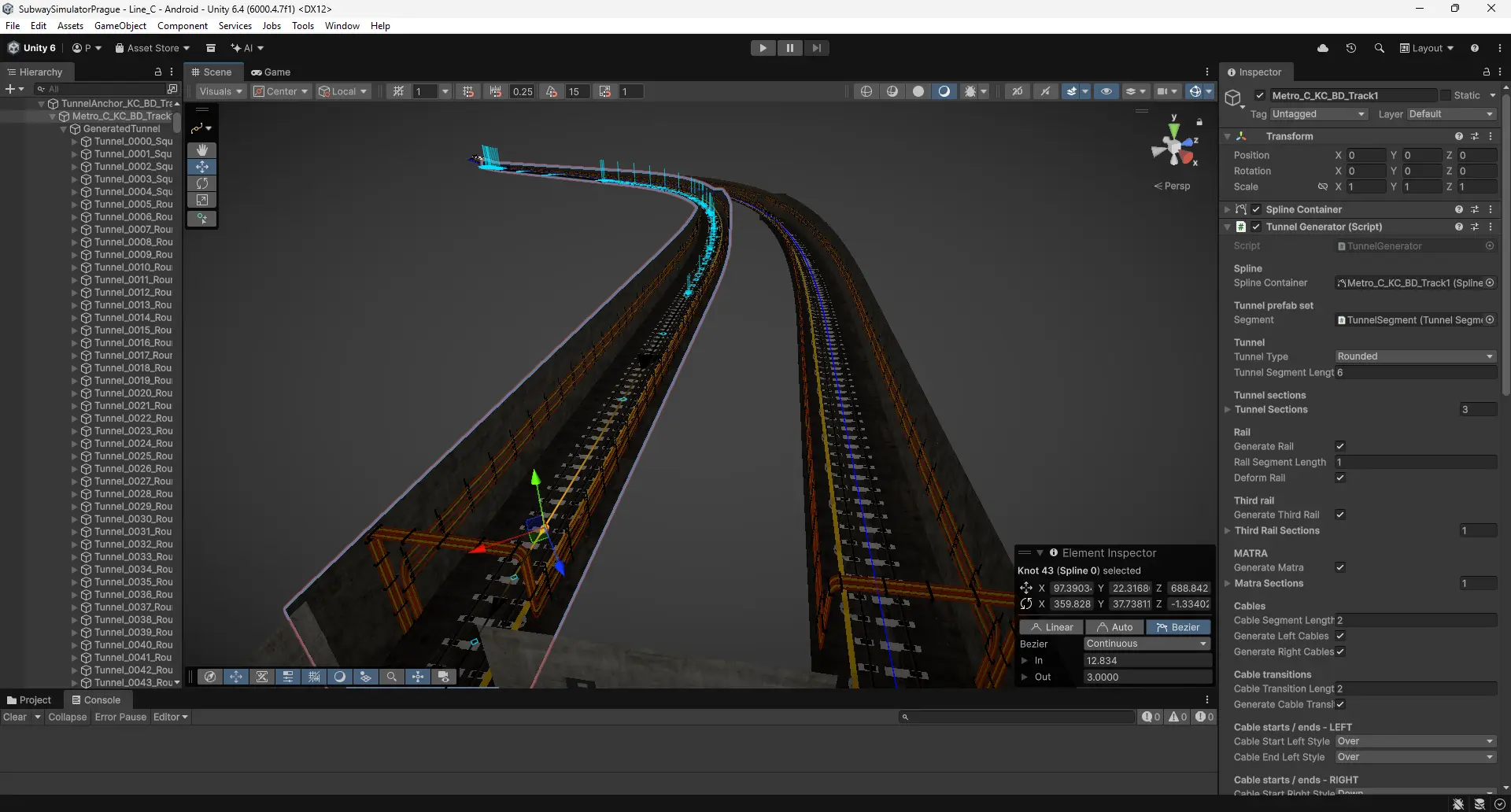
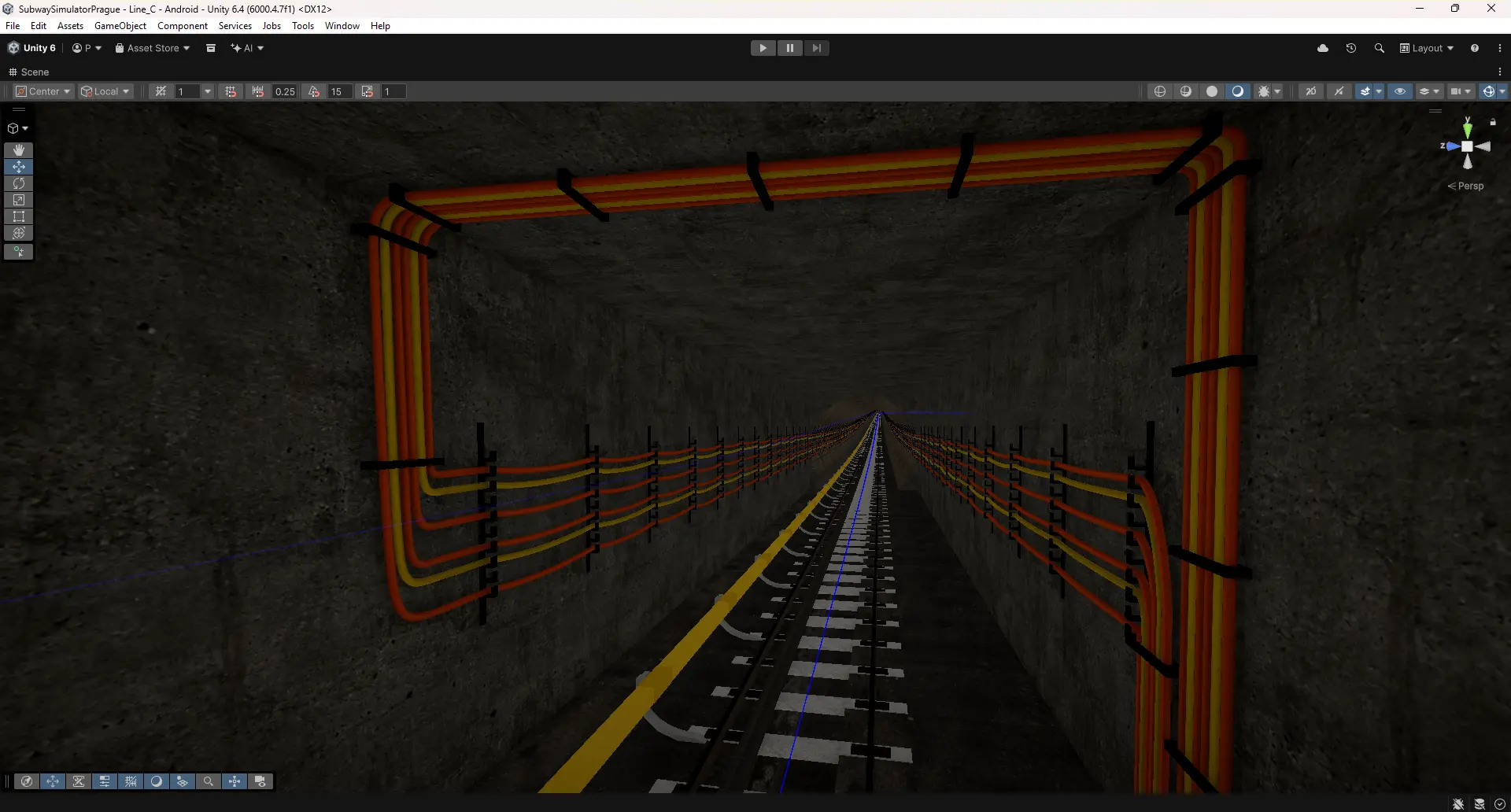
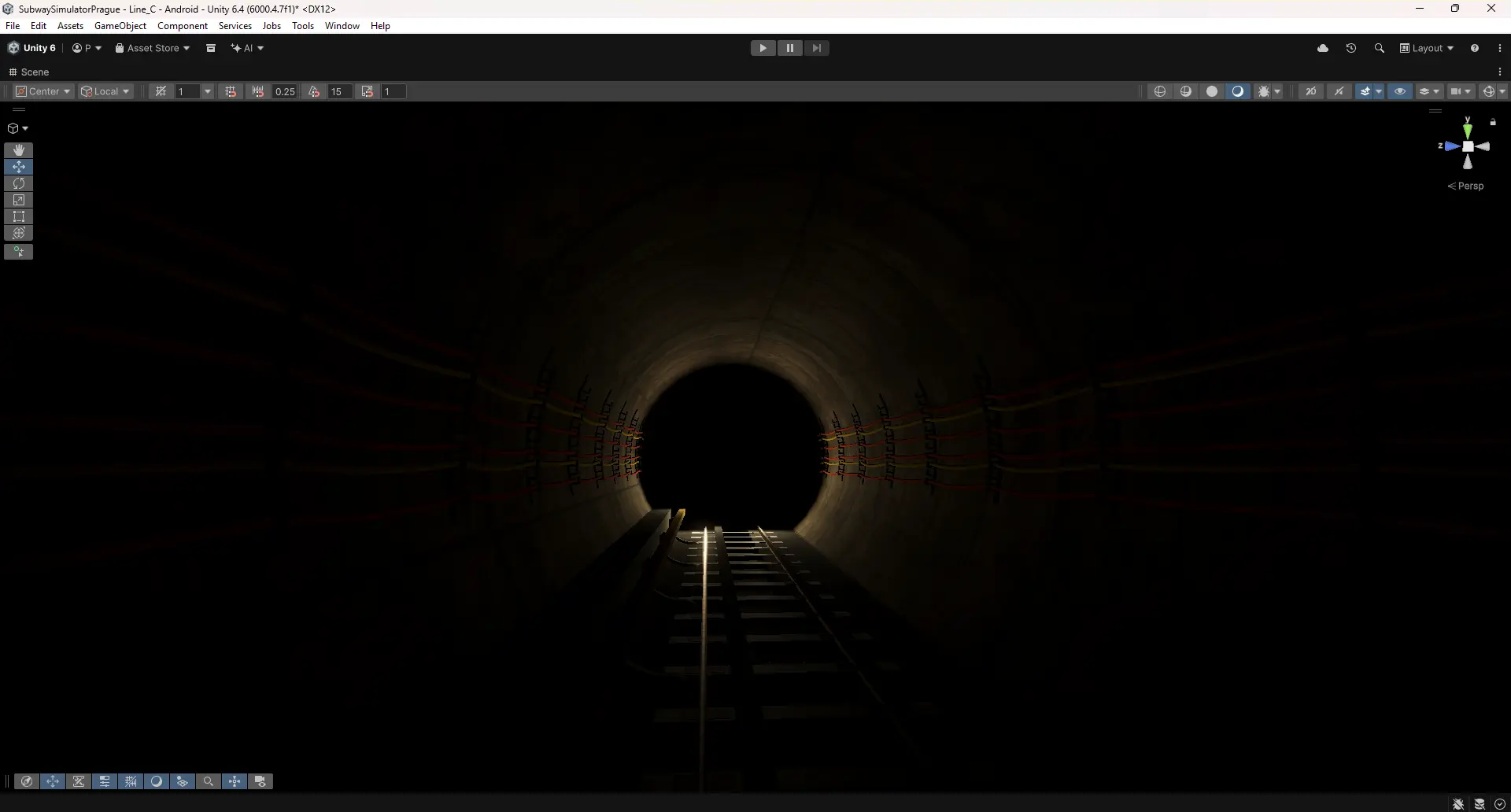
Once the route has been checked, our procedural tunnel generator takes over. It places our custom-made 3D components along the route to create tunnel walls, tracks, sleepers, the third rail, cables, brackets and other infrastructure. It handles curves and changes in elevation, as well as different tunnel profiles and transitions.
Generating a prepared tunnel section takes tens of minutes. That does not include preparing reference data and modular assets, checking the result or adding the final details. The point is to automate repetitive technical work so we can spend more time making the environment believable.
There is another important benefit: we are not just getting a 3D tunnel. The same track geometry will form the basis for the train’s future driving path. This connects the environment directly to one of the simulator’s core systems.
Custom tools inside Blender, too
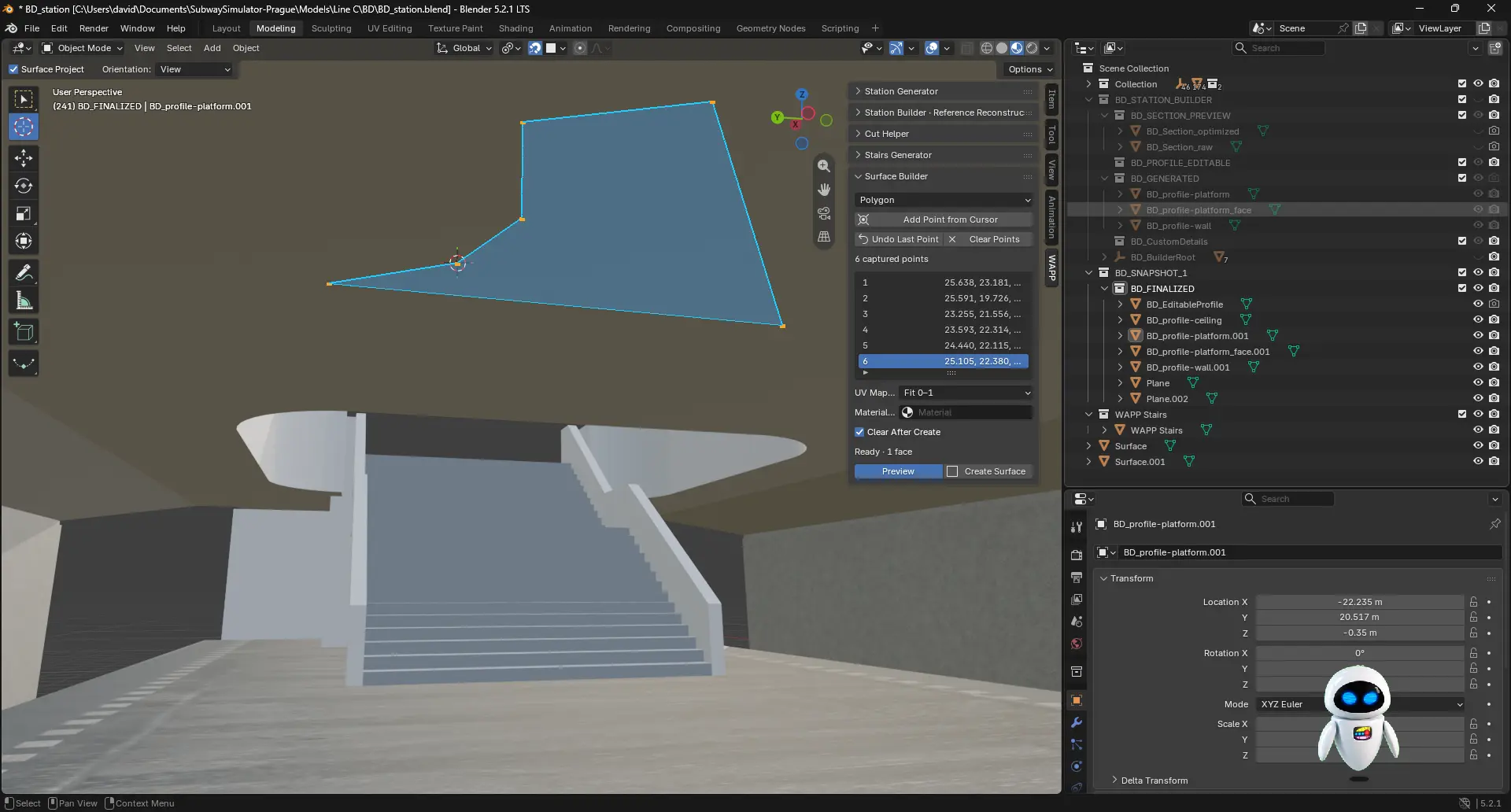
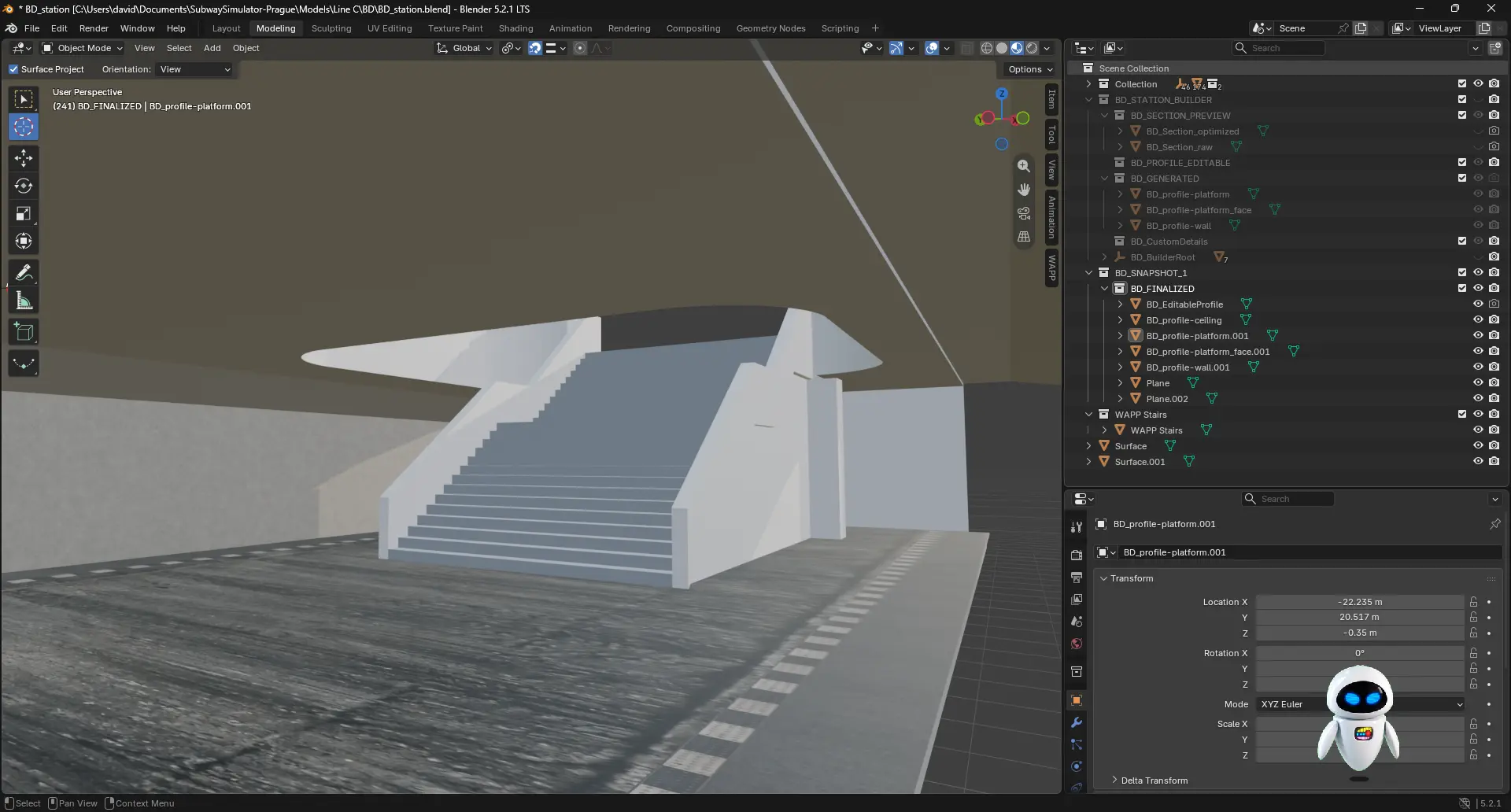
We are taking a similar approach to station modelling. We have built our own Blender tools such as Surface Builder, mesh-editing helpers and tools for creating staircases. We model each station individually using available plans and references. That leaves more time to focus on shapes, proportions and the details that make each station distinctive.
For us, automation does not mean reduced quality. Every model still needs adjustment and review to make sure it looks right and performs well on mobile devices.
Kačerov–Budějovická: our first continuous section
Over the past weeks, we have completed the base tunnel geometry for the entire Kačerov–Budějovická section. We are also creating the initial structure of Budějovická station. That is a major step forward from the previous update, when we mainly showed the first in-engine look at Kačerov.
Having the base geometry is not the same as having a finished environment. Both the tunnel and stations still need adjustments, materials, lighting, signage, technical equipment and many smaller details. What we are showing is a development build, not the final game.
A solid foundation for mobile – and potentially PC
Our goal is to build a highly authentic Prague Metro simulator. We are developing the initial release primarily for Android and iOS, while designing the geometry, assets and game systems so they can potentially also provide the foundation for a future PC version.
For now, we are refining Kačerov, Budějovická and the tunnel between them. Our new tools should make expanding the route much more efficient. We will share more as development progresses. Thank you for following and supporting WAPP.